
OLD SCHOOL SECRET
Loading
OLD SCHOOL SECRET
Loading







 OLD SCHOOL SECRET
TUTORIALS · WATCH IT WORK
One full walkthrough per platform — recorded on a working machine: install, activate, and place the trade where it is actually taken.
MetaTrader 5
3:06 · Full walkthrough
Install from the Manager, drag the stop and target, and the lot size calculates itself — then watch the daily limit lock and refuse the next trade.
MetaTrader 4
4:56 · Full walkthrough
The same calculator on MT4: no buy or sell buttons — it reads the direction from your lines and sizes the trade to your risk.
cTrader
4:16 · Full walkthrough
OssKey as a cBot: risk pinned by percentage, pending orders placed on lines, and a trade rejected to protect the account.
NinjaTrader 8
3:35 · Full walkthrough
Built for futures: OssKey counts the stop distance in ticks and sizes your contracts live — on the NQ, start to finish.
KNOW YOUR PANEL
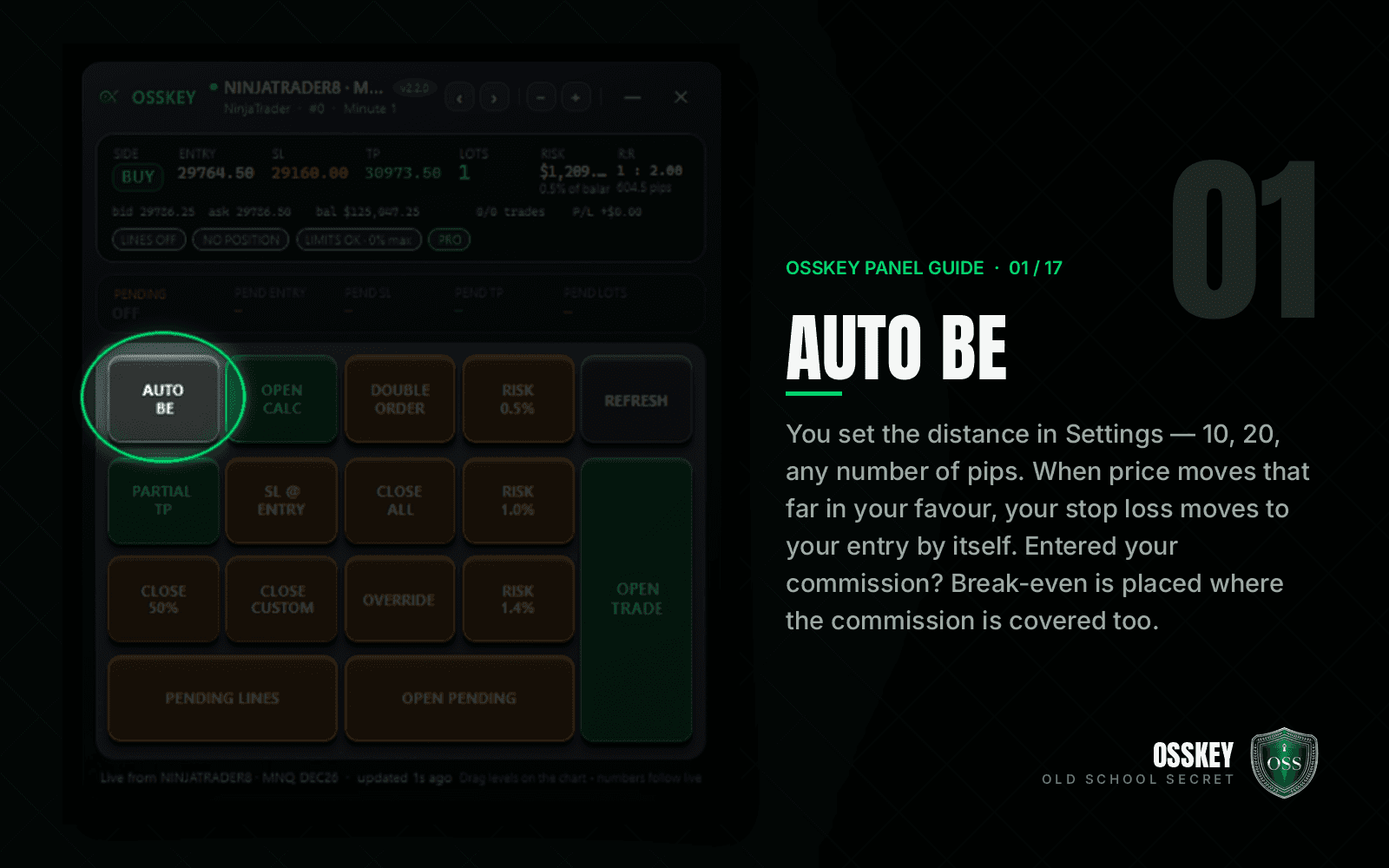
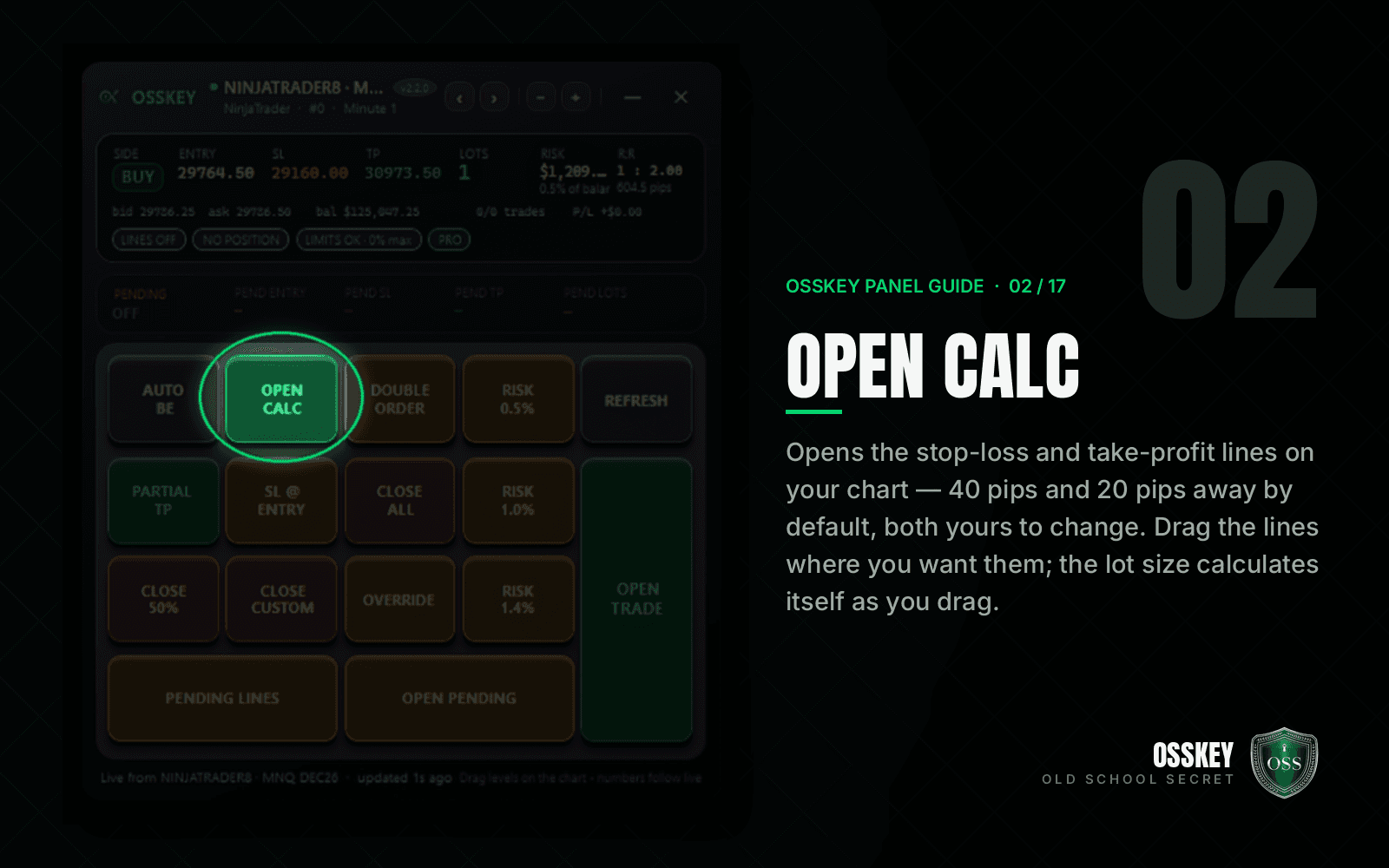
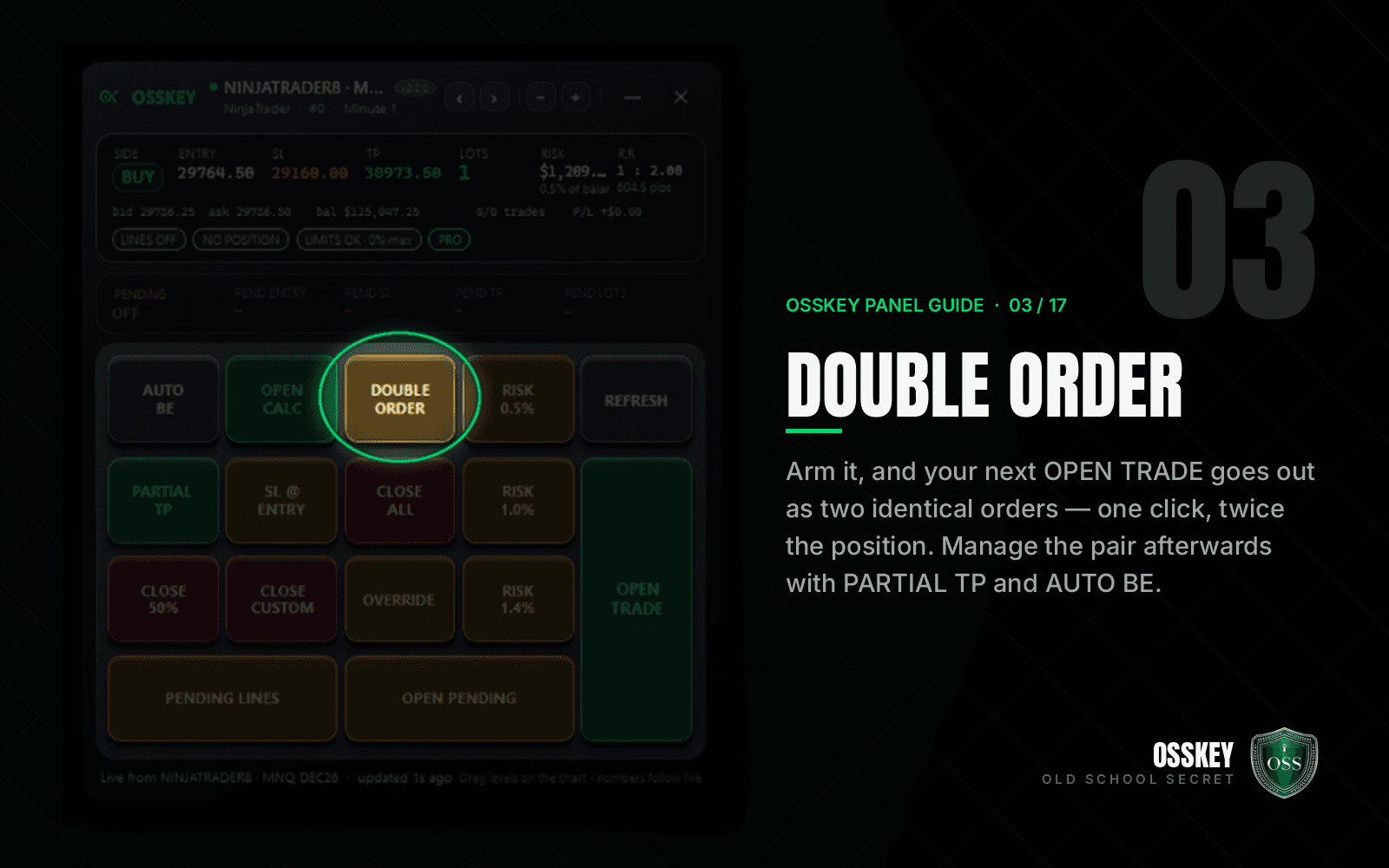
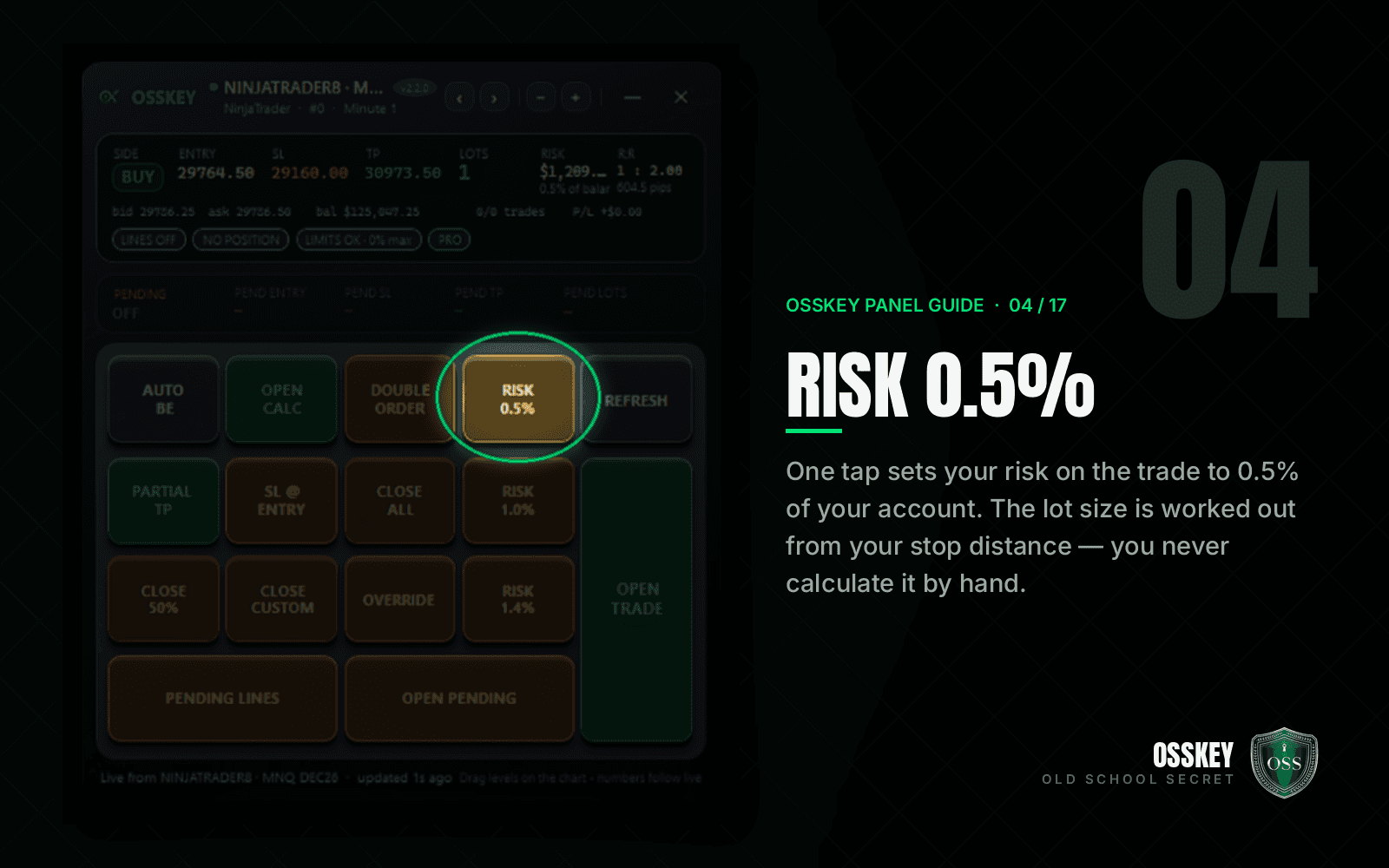
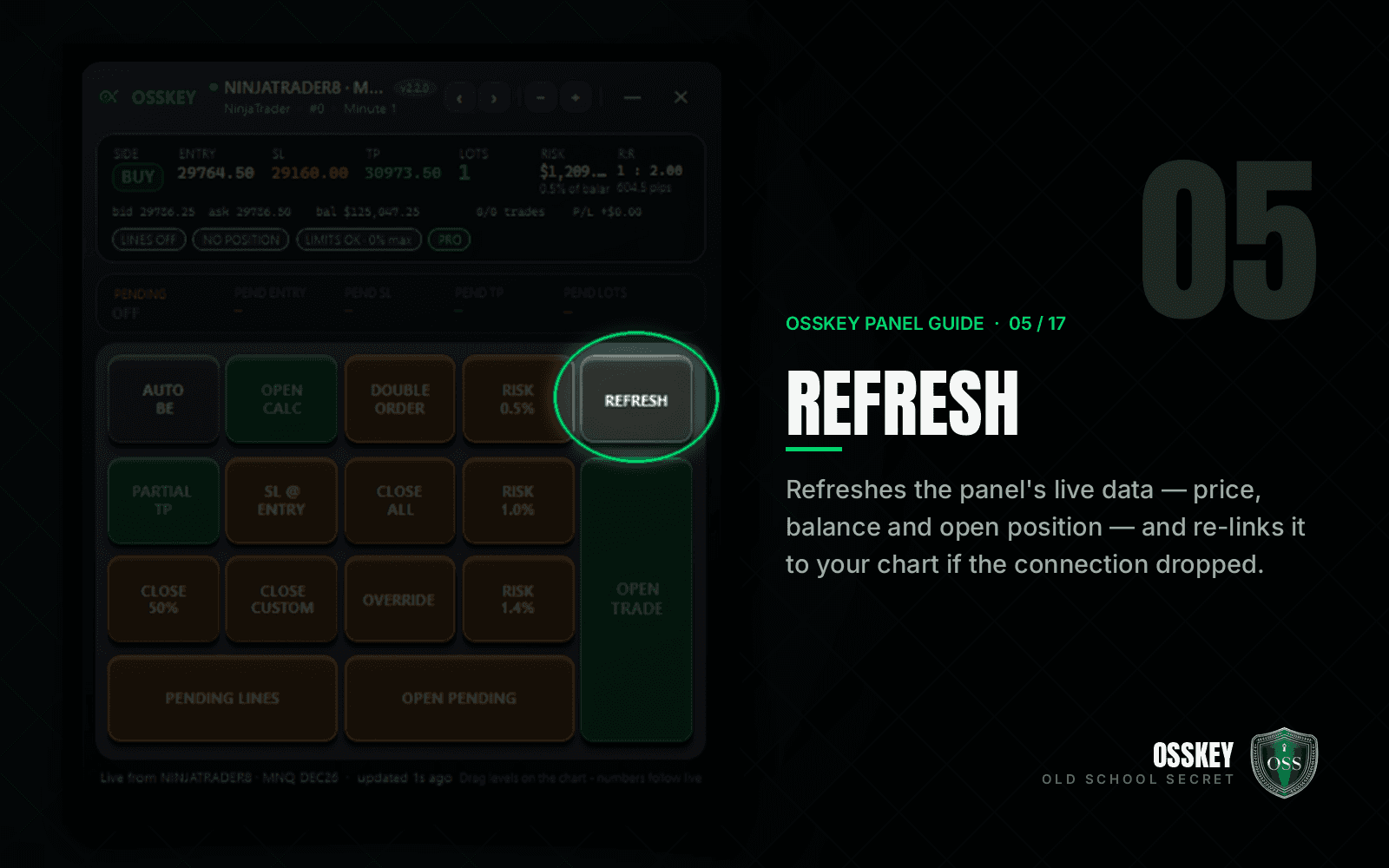
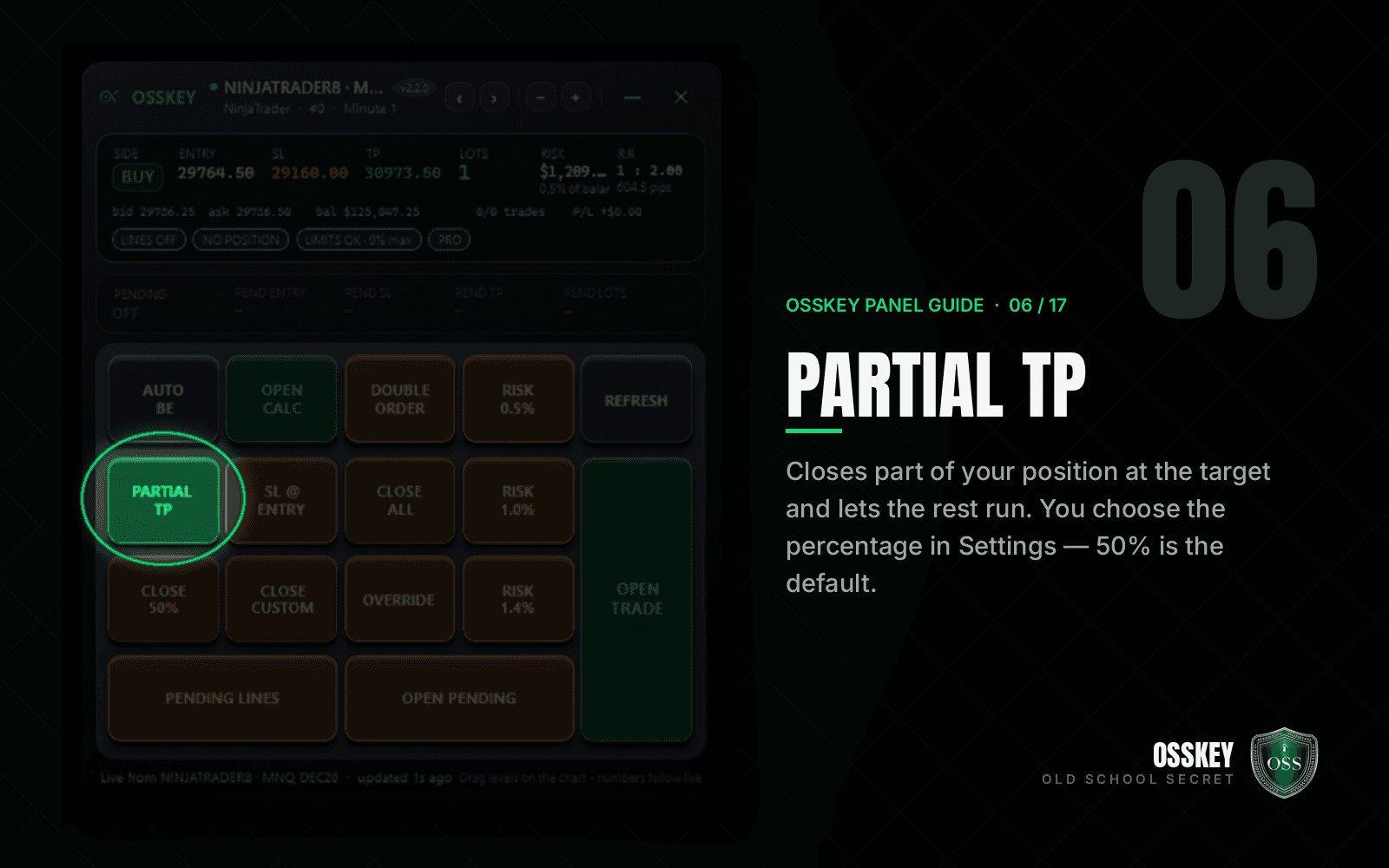
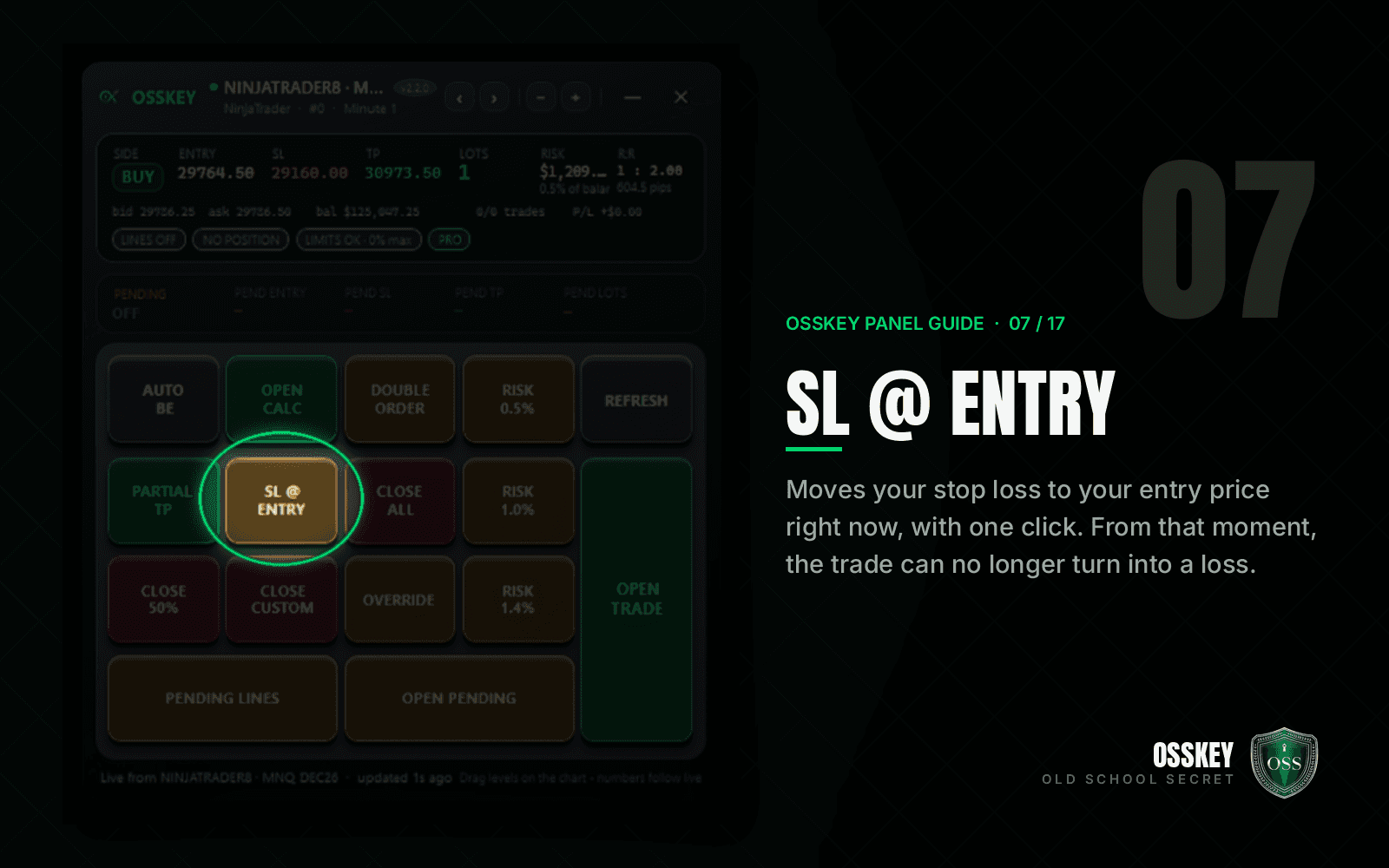
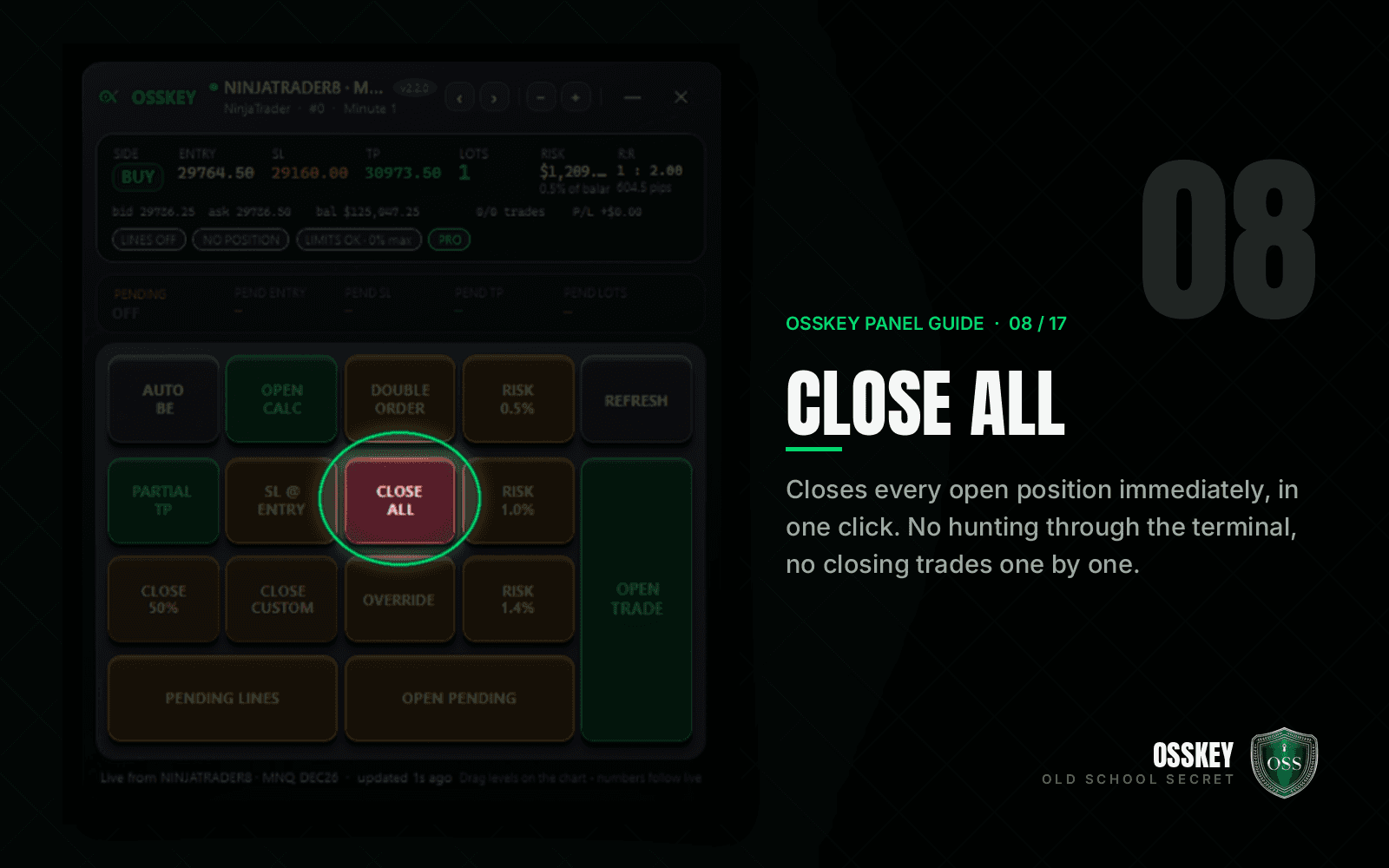
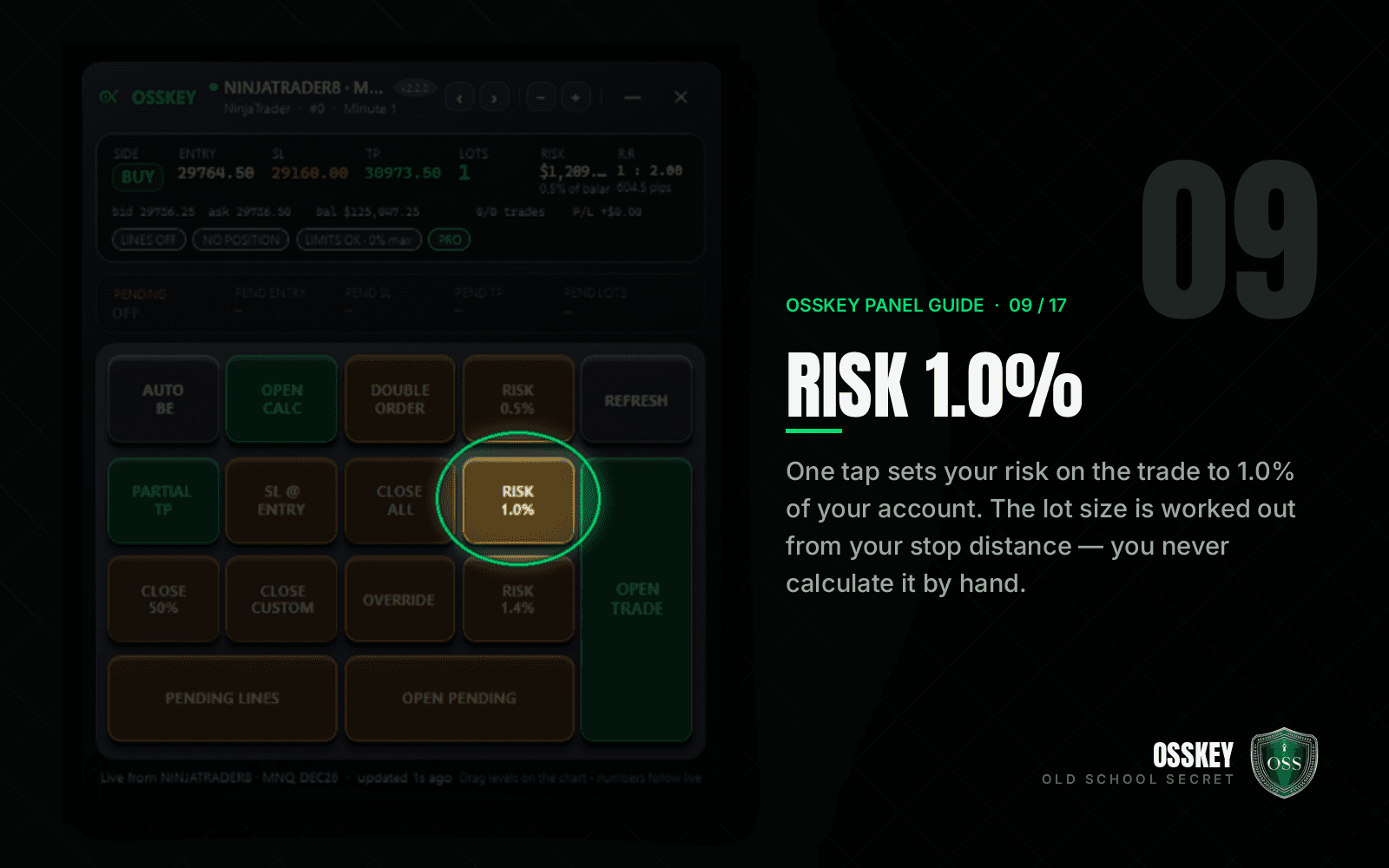
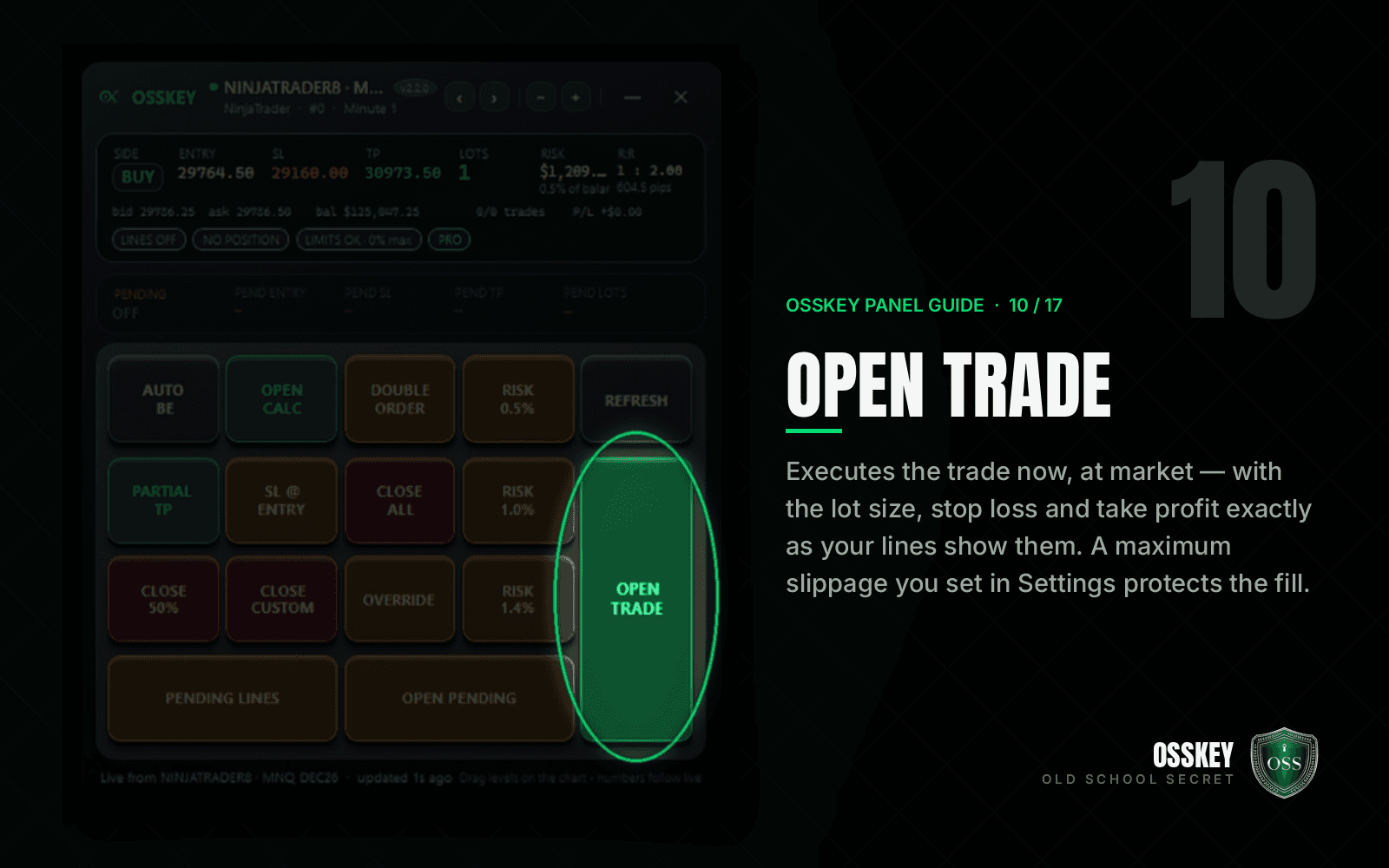
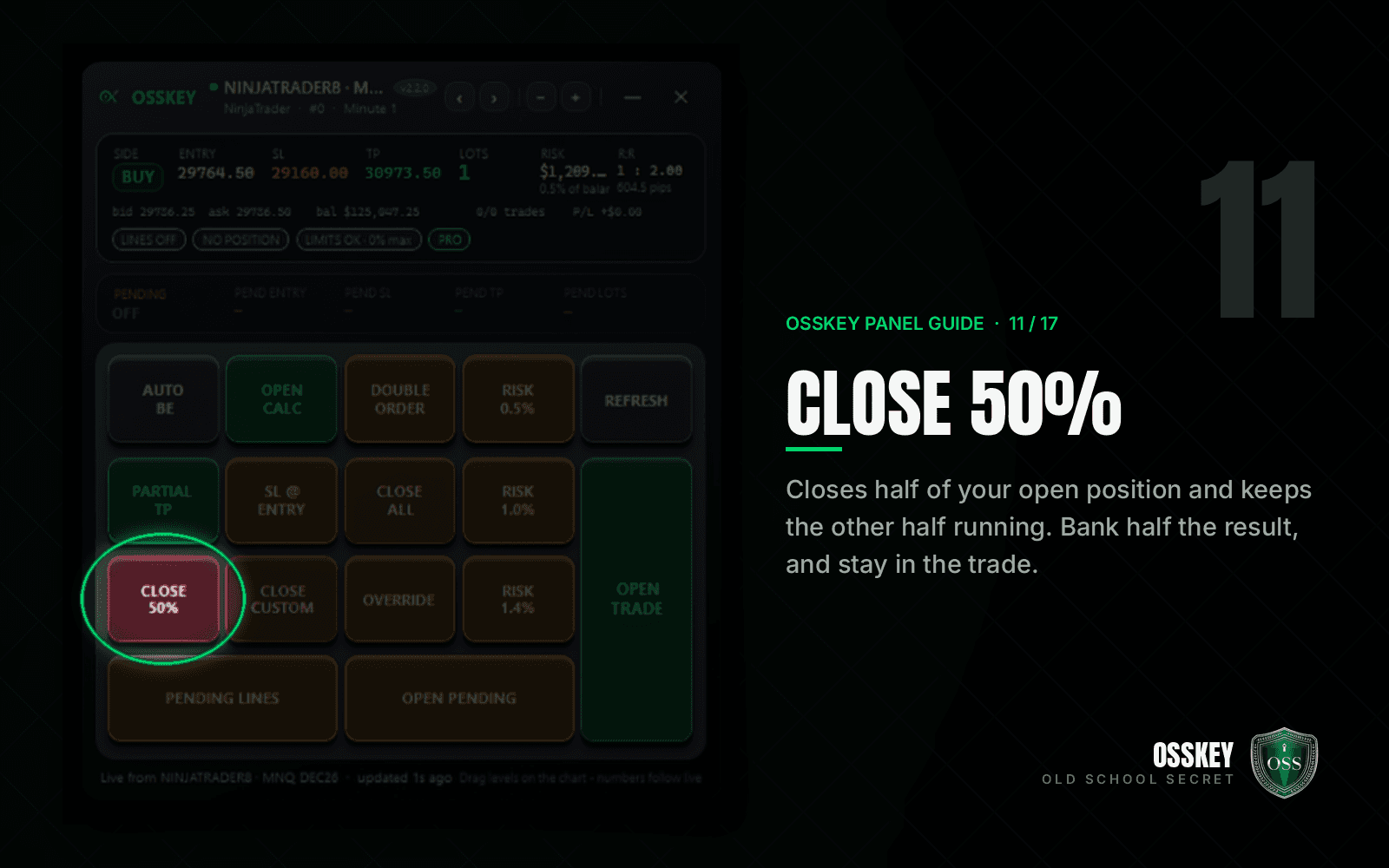
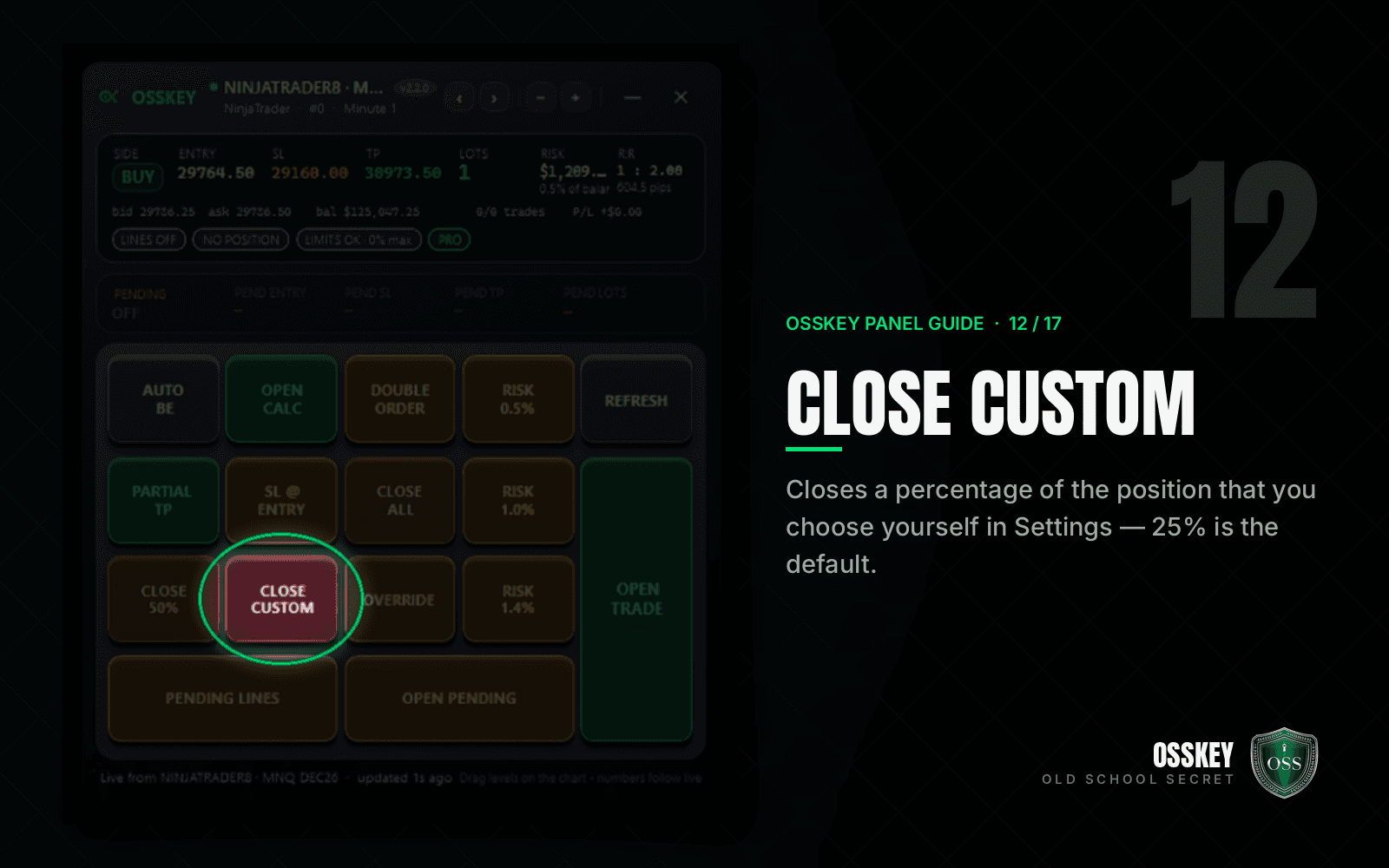
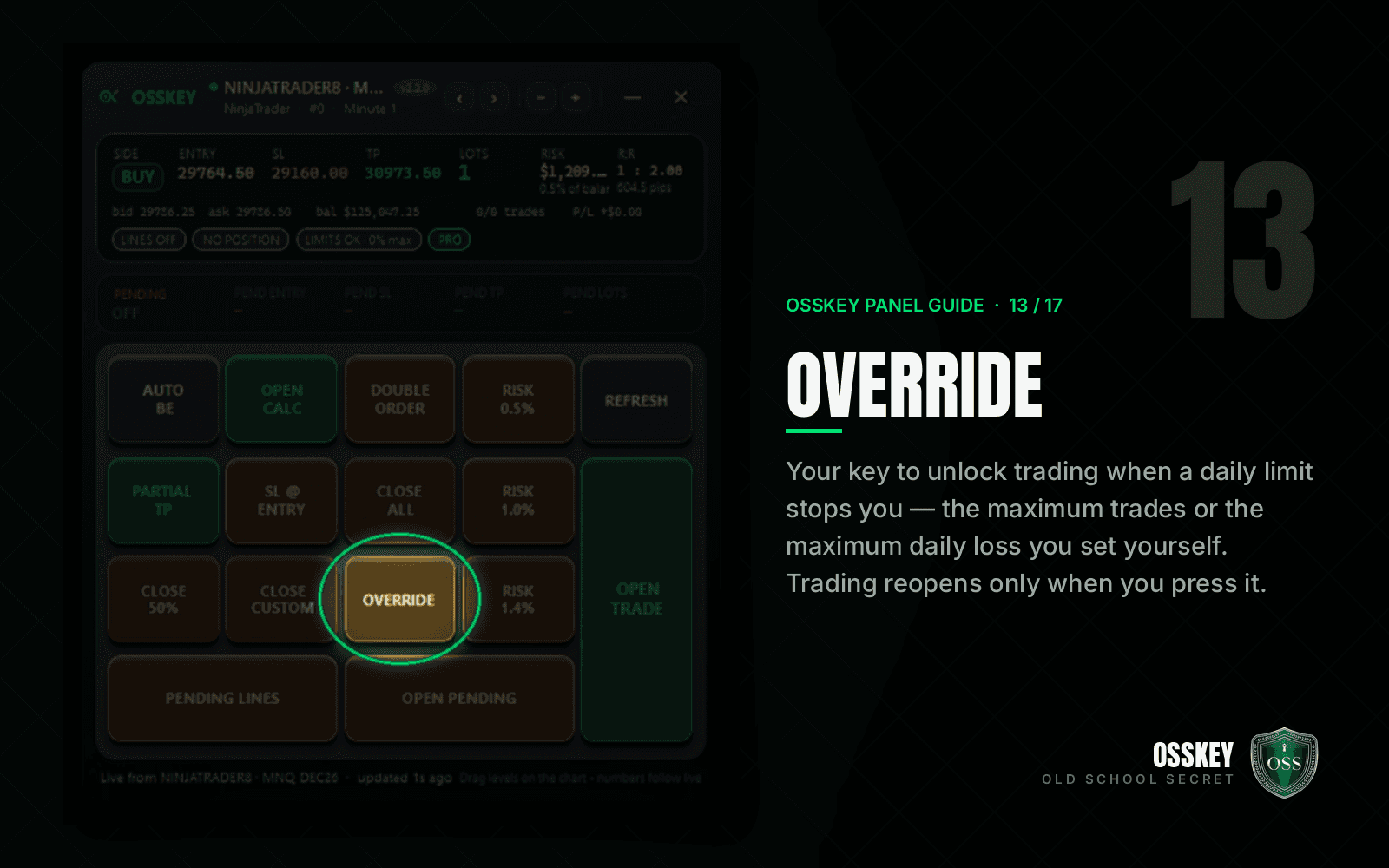
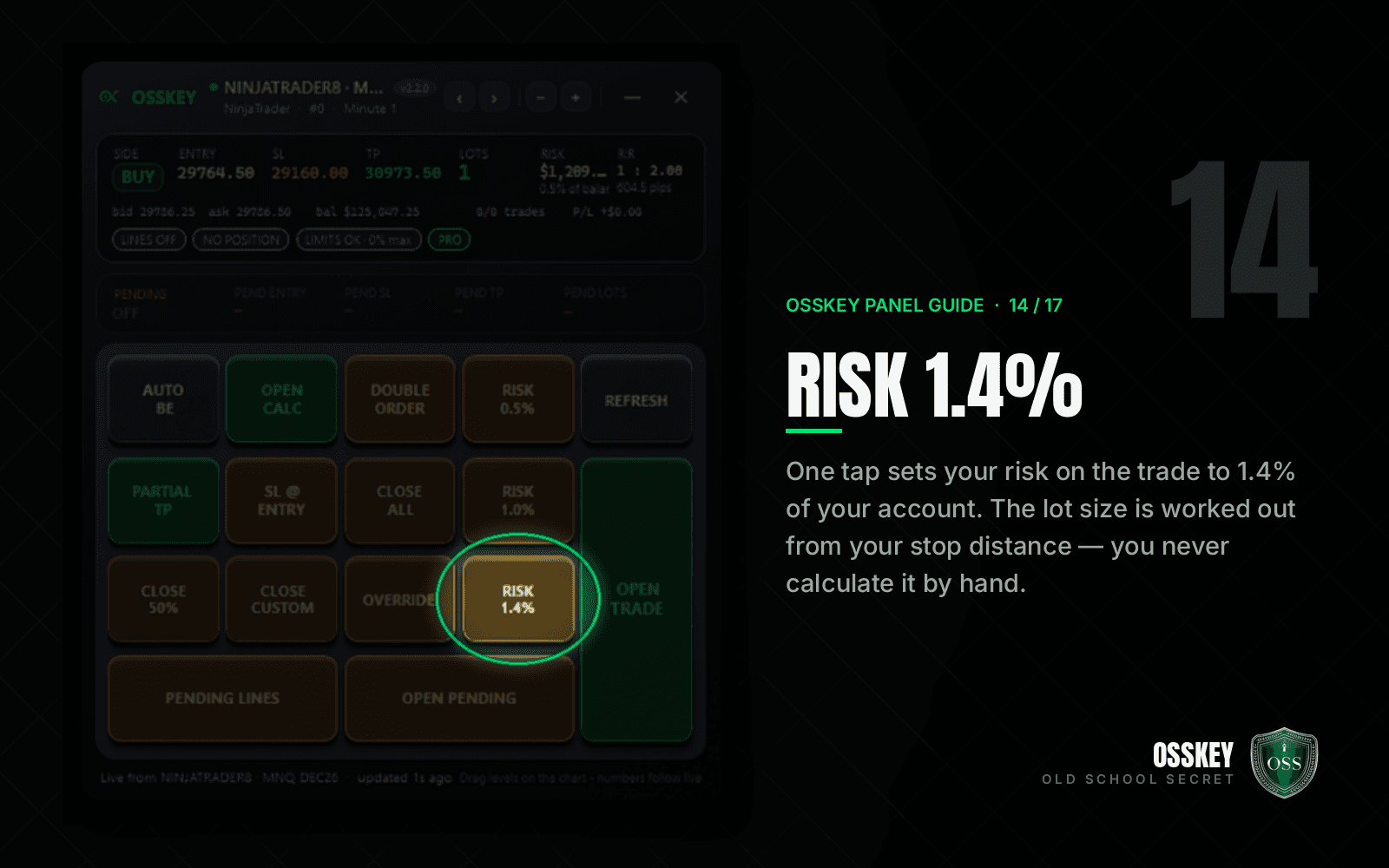
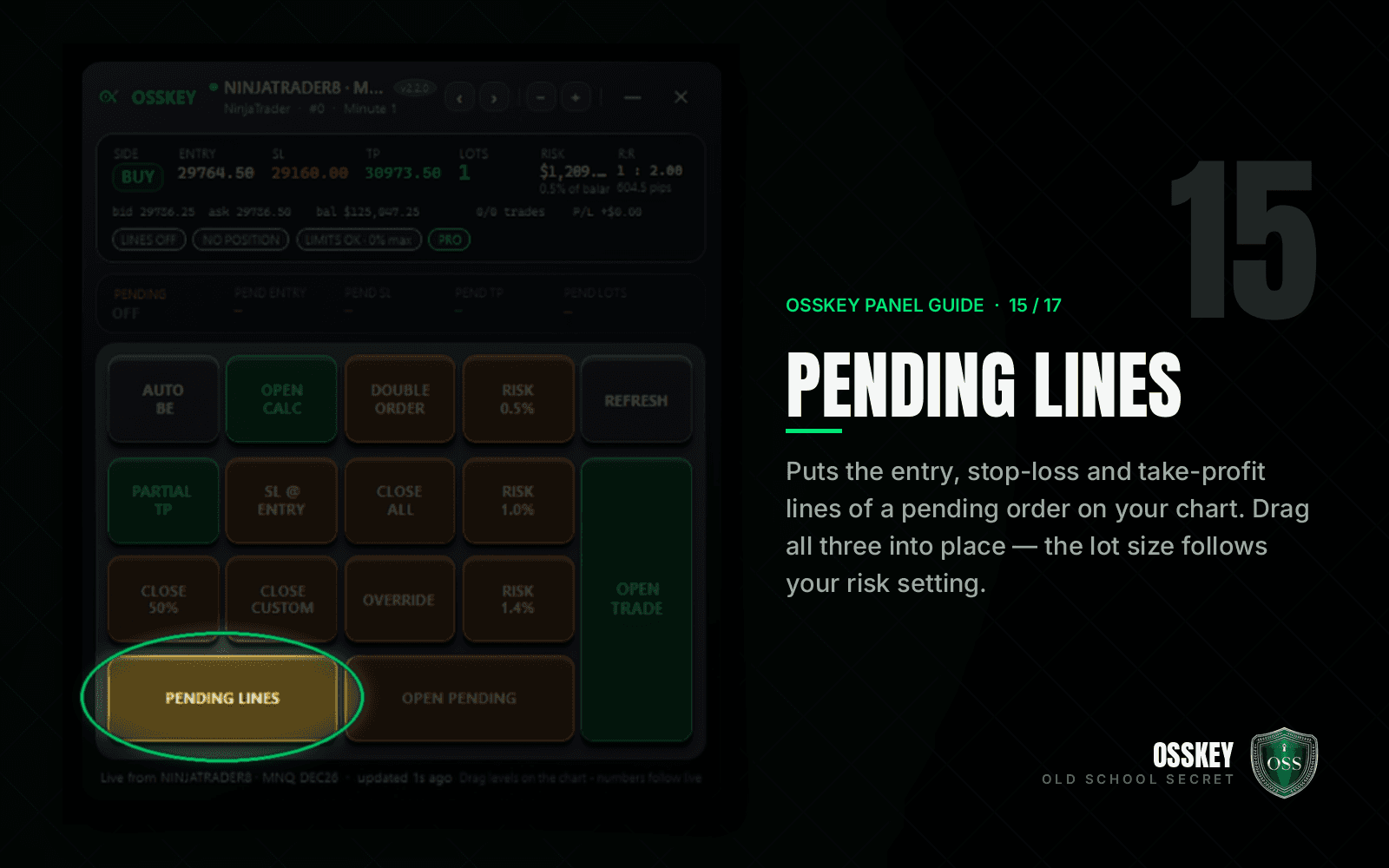
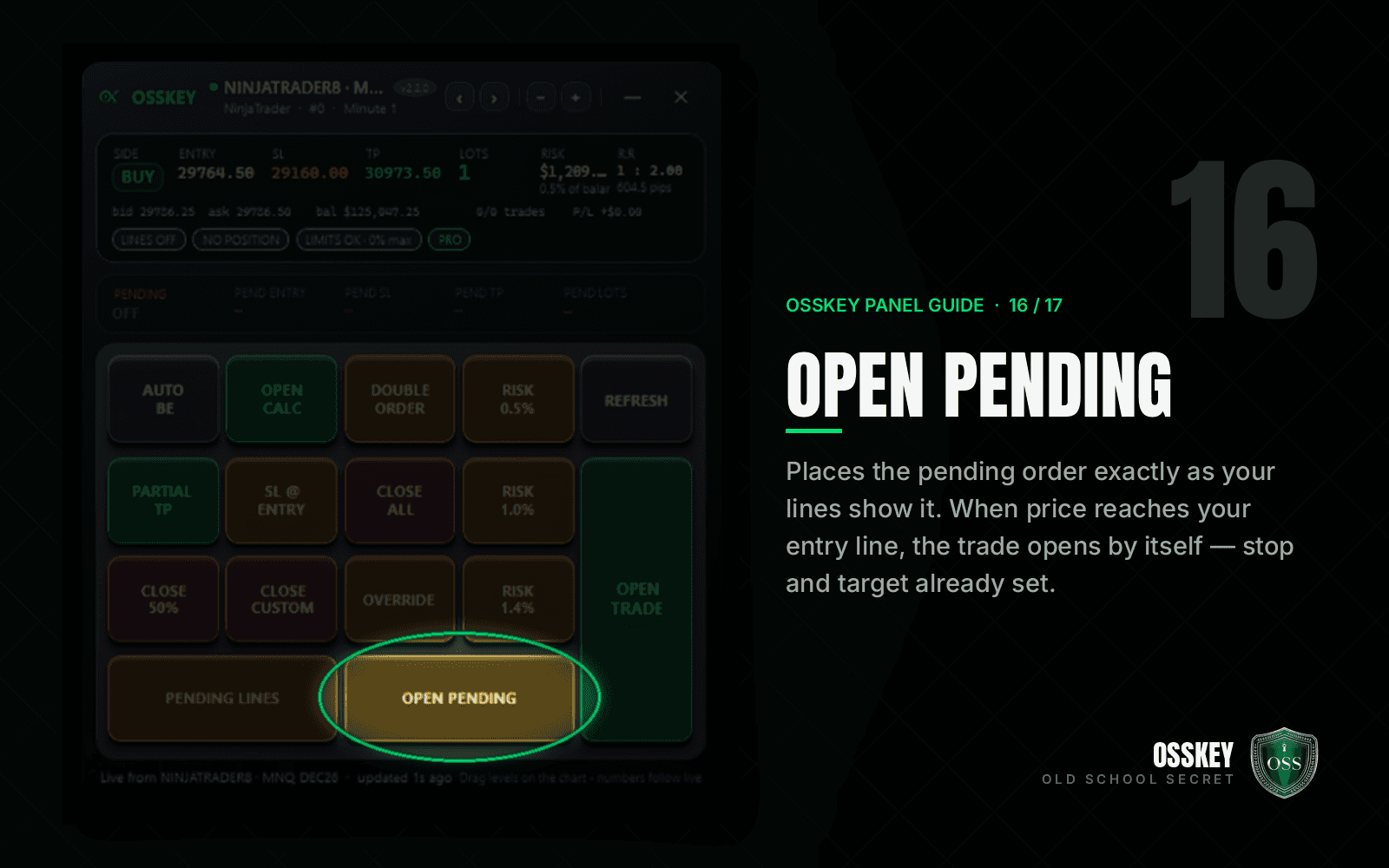
Seventeen controls, one panel — every one of them explained.
PANEL GUIDE · 01 / 17
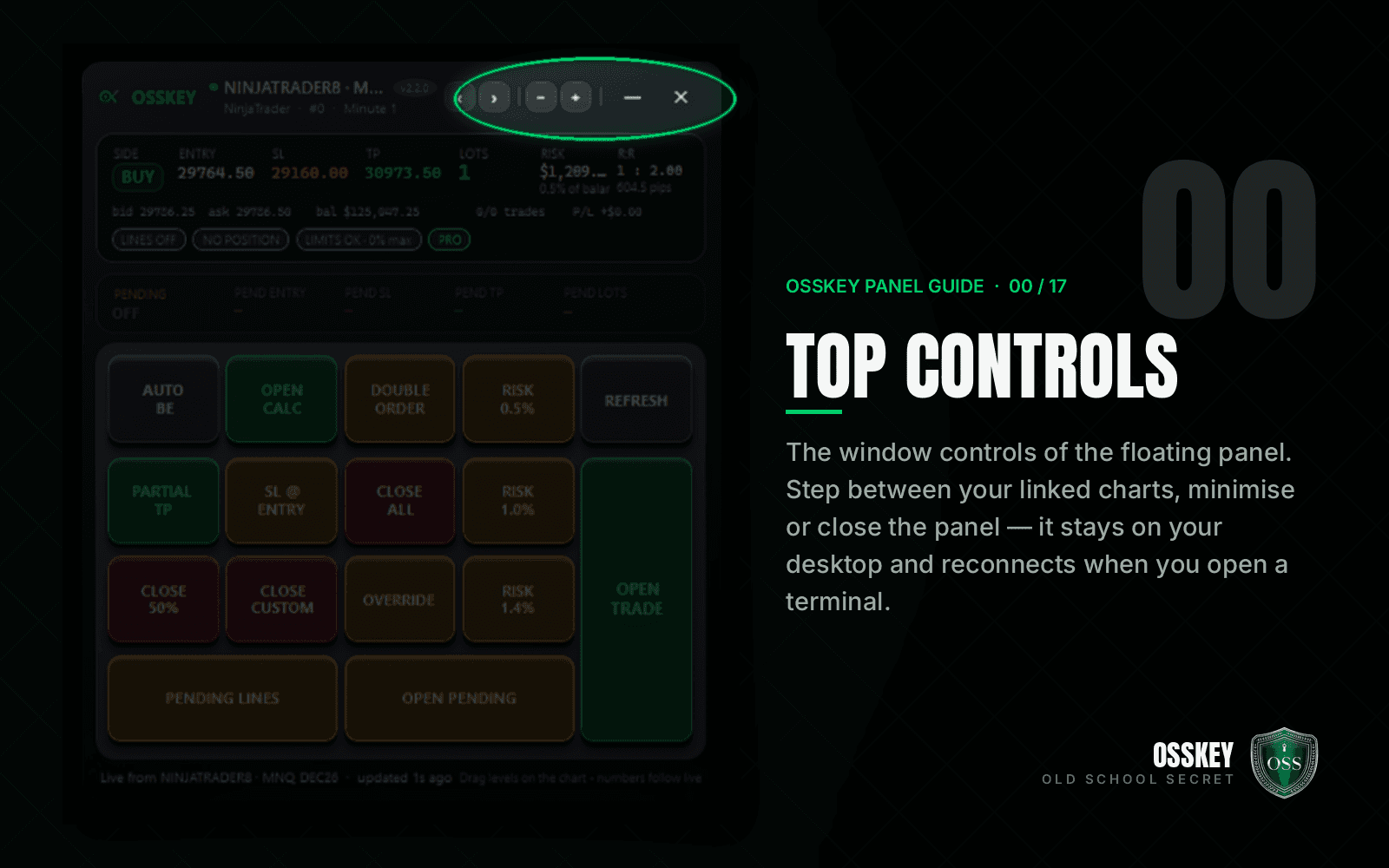
The window controls of the floating panel. Step between your linked charts, minimise or close the panel — it stays on your desktop and reconnects when you open a terminal.
Questions about a specific platform? The installation desk covers all four builds. Include your platform and what the screen shows — that is usually enough to fix it in one reply.
Stuck on a step in any of the walkthroughs? Write to the installation desk with the platform and build you are on, and what the screen says.
OssKey — Tutorials · CYBERZED LTD · oldschoolsecret.com